 October 25, 2026
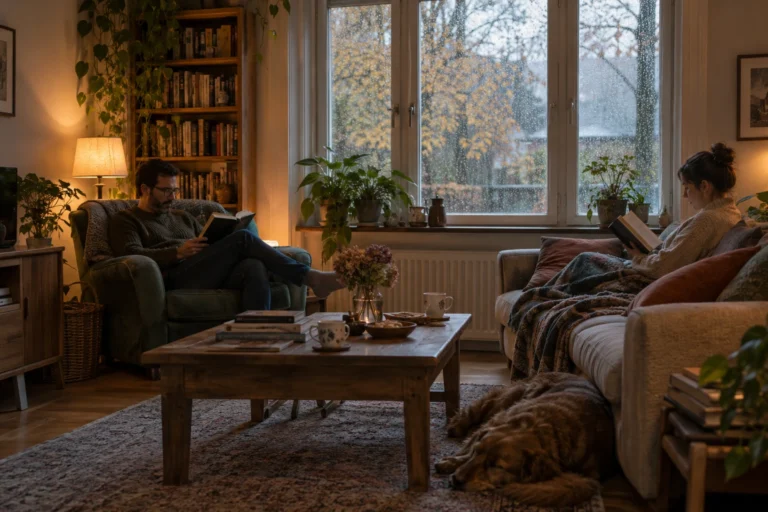
A Halloween Reading Night for Two
A reading night for two sounds like a good Halloween plan to me because it leaves room for both company and quiet.…

Authors are constantly told that they need to be everywhere online. Post every day, make videos, upload short clips, reply to comments and keep feeding several platforms at once.
Personally, I do not want to spend my entire day doing that. I would rather build something that stays useful even when I am not constantly posting, and that is one reason I like email.
People need an actual reason to subscribe. A box saying “Join my newsletter” is not enough by itself. Maybe they want book news, free chapters, new articles or release announcements.
It does not have to be complicated. It just has to feel useful. If the reader understands what they will get, the decision becomes much easier.
I think the website should do most of the work. Every useful article creates another way for somebody to discover you. They might arrive because they searched for something unrelated to your book, read the article, explore the site and eventually become interested in your work.
That feels much more natural to me than constantly telling people on social media to click a link. A useful article can also keep bringing visitors months later, while a social post can disappear almost immediately.
This is personal preference, but I dislike newsletters that arrive constantly. I do not need an email every day just because somebody published something small.
I would rather send fewer emails and make them worth opening. A new book, an important announcement, a useful article or something readers genuinely care about is enough.
I am not saying social media is useless. It can obviously bring enormous attention, and some authors genuinely enjoy creating content for it.
I just do not think it has to be the foundation. Platforms change, algorithms change and reach can disappear very quickly.
For me, the website and email list are more stable. Social media can still help, but I would rather use it as another path that leads people back to something I control.
October 25, 2026A reading night for two sounds like a good Halloween plan to me because it leaves room for both company and quiet.…
 October 25, 2026
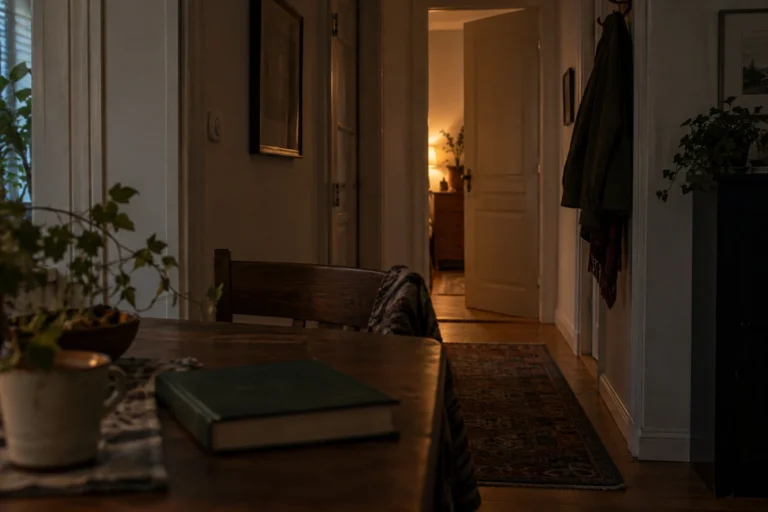
An ordinary room can become surprisingly unfamiliar after dark. During the day, I can see its edges, its furniture, and whatever is…
 October 25, 2026
When I imagine a gothic reading corner, I think about somewhere I would genuinely want to spend an evening. A comfortable chair,…
 October 25, 2026
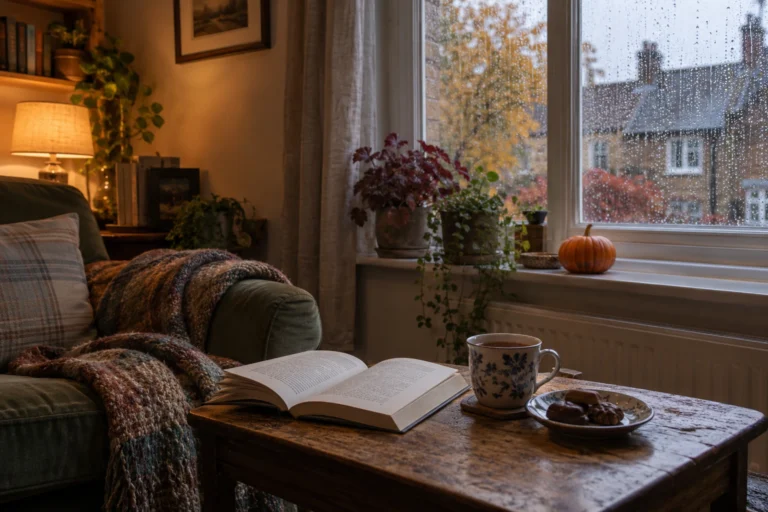
There is a version of Halloween I like that involves very little preparation. A comfortable room, something good to read, a warm…
 October 20, 2026
One of the first things new authors encounter when preparing a book for publication is the ISBN. It appears on printed books,…
 October 20, 2026
Choosing the right book title can be surprisingly difficult. A title needs to fit the story, appeal to potential readers and remain…
 October 20, 2026
Finishing a manuscript can take months or years, so receiving an offer from a publisher is understandably exciting. Somebody wants to publish…
 October 20, 2026
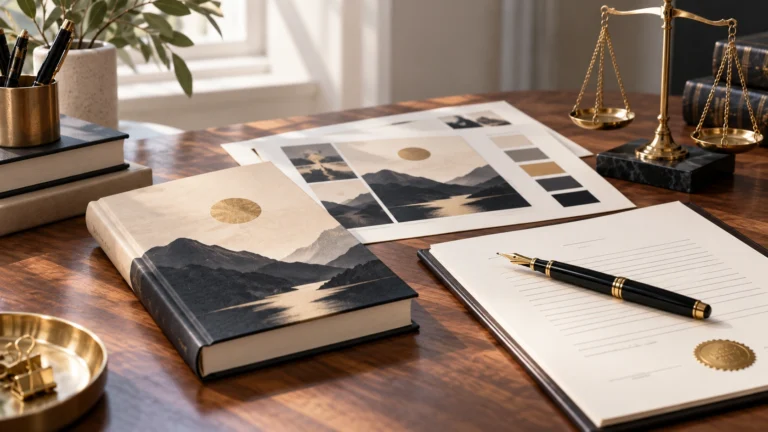
A book cover is one of the first things a potential reader notices. Before somebody reads the description or opens the first…
 October 20, 2026
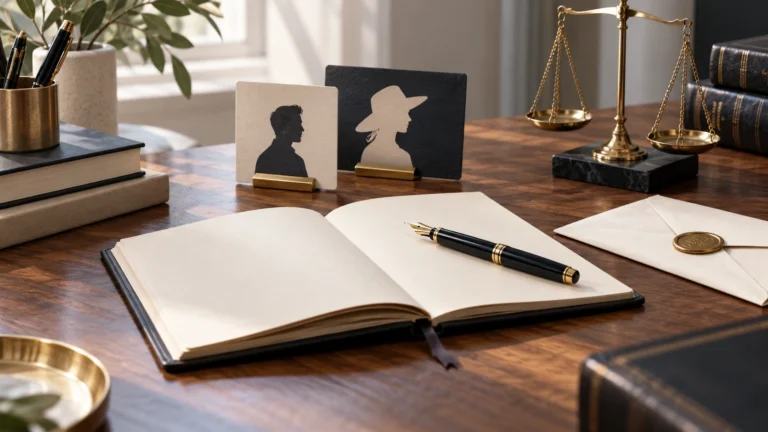
There are plenty of reasons why an author might prefer publishing under a different name. Some want privacy, others want a name…
 October 9, 2026
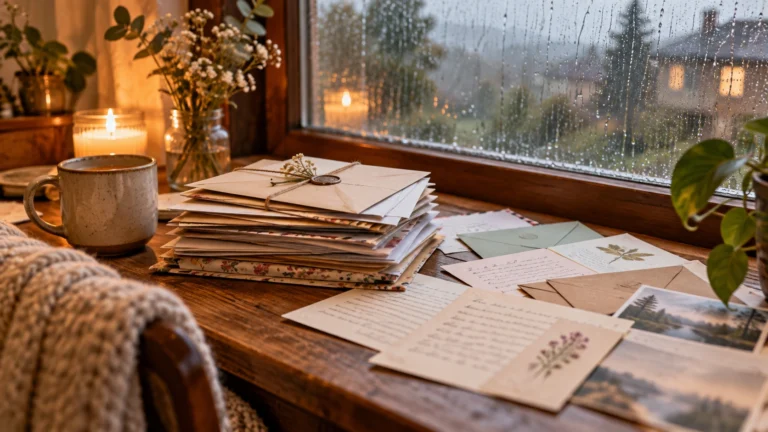
One thing I have never liked about social media is that having followers does not necessarily mean being able to reach those…
October 25, 2026A reading night for two sounds like a good Halloween plan to me because it leaves room for both company and quiet.…
October 25, 2026An ordinary room can become surprisingly unfamiliar after dark. During the day, I can see its edges, its furniture, and whatever is…
October 25, 2026When I imagine a gothic reading corner, I think about somewhere I would genuinely want to spend an evening. A comfortable chair,…
October 25, 2026There is a version of Halloween I like that involves very little preparation. A comfortable room, something good to read, a warm…
October 20, 2026One of the first things new authors encounter when preparing a book for publication is the ISBN. It appears on printed books,…
October 20, 2026Choosing the right book title can be surprisingly difficult. A title needs to fit the story, appeal to potential readers and remain…
October 20, 2026Finishing a manuscript can take months or years, so receiving an offer from a publisher is understandably exciting. Somebody wants to publish…
October 20, 2026A book cover is one of the first things a potential reader notices. Before somebody reads the description or opens the first…
October 20, 2026There are plenty of reasons why an author might prefer publishing under a different name. Some want privacy, others want a name…
October 9, 2026One thing I have never liked about social media is that having followers does not necessarily mean being able to reach those…
October 25, 2026A reading night for two sounds like a good Halloween plan to me because it leaves room for both company and quiet.…
October 25, 2026An ordinary room can become surprisingly unfamiliar after dark. During the day, I can see its edges, its furniture, and whatever is…
October 25, 2026When I imagine a gothic reading corner, I think about somewhere I would genuinely want to spend an evening. A comfortable chair,…
October 25, 2026There is a version of Halloween I like that involves very little preparation. A comfortable room, something good to read, a warm…
October 20, 2026One of the first things new authors encounter when preparing a book for publication is the ISBN. It appears on printed books,…
October 20, 2026Choosing the right book title can be surprisingly difficult. A title needs to fit the story, appeal to potential readers and remain…
October 20, 2026Finishing a manuscript can take months or years, so receiving an offer from a publisher is understandably exciting. Somebody wants to publish…
October 20, 2026A book cover is one of the first things a potential reader notices. Before somebody reads the description or opens the first…
October 20, 2026There are plenty of reasons why an author might prefer publishing under a different name. Some want privacy, others want a name…
October 9, 2026One thing I have never liked about social media is that having followers does not necessarily mean being able to reach those…

Add the M.V. Mitic app to your device and start reading.