 October 25, 2026
A Halloween Reading Night for Two
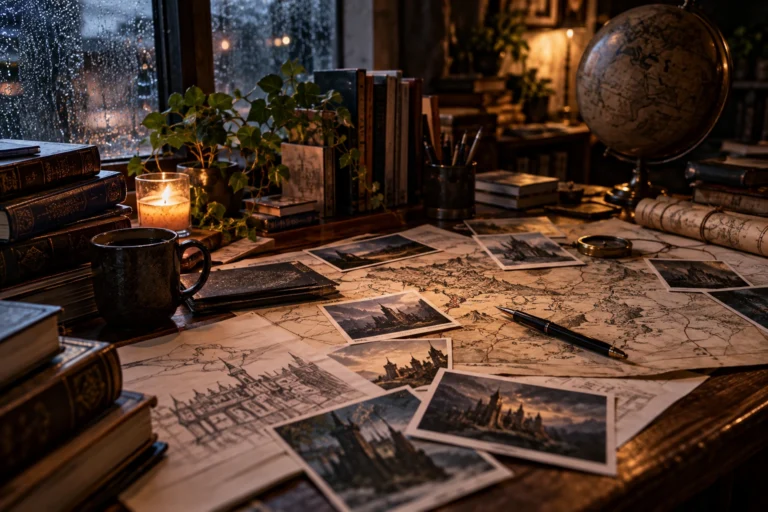
A reading night for two sounds like a good Halloween plan to me because it leaves room for both company and quiet.…
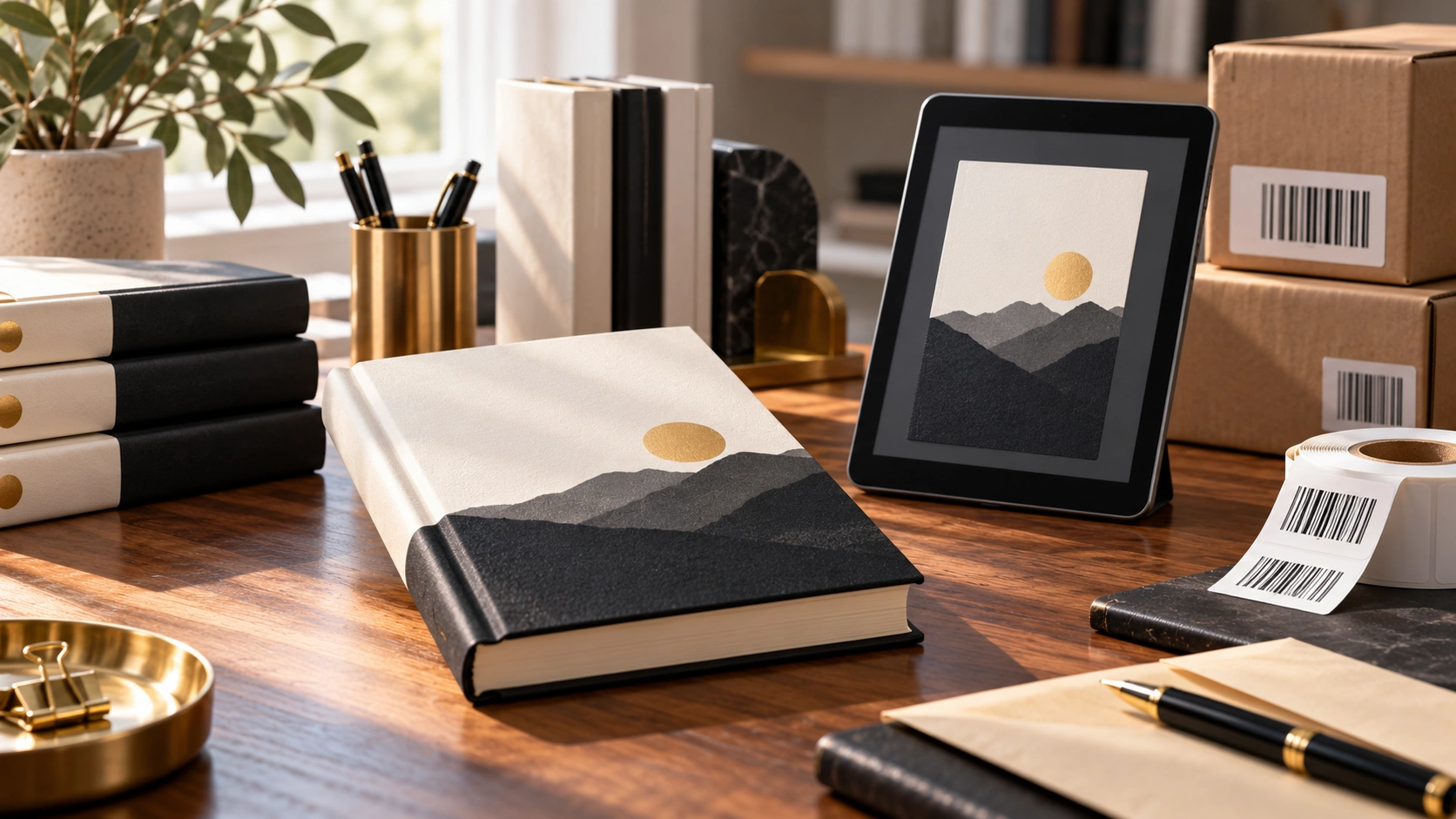
One of the first things new authors encounter when preparing a book for publication is the ISBN. It appears on printed books, in online catalogs and throughout the publishing industry, yet its actual purpose is often misunderstood.
Some people assume an ISBN proves ownership of a book. Others believe it is legally required before an author can sell anything.
Neither assumption is universally correct.
An ISBN, or International Standard Book Number, is primarily an identification system used by publishers, retailers, libraries and distributors. It helps distinguish one publication and edition from another.
Whether an independent author needs one depends largely on how the book will be published and distributed.
A digital book sold directly through an author’s website does not necessarily require an ISBN. If readers purchase access through the author’s own system, there may be no outside retailer or distributor requiring that identifier.
Amazon’s Kindle Direct Publishing also allows Kindle ebooks to be published without an ISBN. The platform uses its own identification system for those products.
Printed books are different, particularly when the author wants them distributed through established retailers, wholesalers and bookstores.
Paperback and hardcover editions generally require separate ISBNs when using standard book-distribution systems. A substantially revised edition may also require a new identifier, while ordinary price changes generally do not.
This matters because the ISBN identifies a particular publishing product, not simply the story itself.
An author releasing the same novel as a paperback, hardcover and ebook may therefore need to manage several identifiers depending on the distribution arrangements.
Some publishing platforms offer free ISBNs for qualifying printed editions. This can be convenient for authors who want to minimize initial expenses.
However, a free ISBN may have restrictions.
For example, Amazon KDP’s free ISBNs can only be used within its publishing service. An independently obtained ISBN may offer greater flexibility when distributing the same eligible edition through multiple services.
The publisher or imprint information associated with the ISBN is another consideration.
An author who intends to establish an independent publishing identity may prefer controlling those details rather than using the designation supplied by a particular platform.
I don’t think every first-time author needs an elaborate publishing structure from the beginning. But I do think it is useful to understand how these decisions might affect later distribution.
Buying an ISBN also doesn’t register copyright, establish trademark ownership or guarantee that a bookstore will stock the book. These are entirely separate matters.
My preference is to begin with the final publishing plan.
If the book will be available only through a private digital reading system, the author’s requirements may be quite different from those of someone preparing thousands of printed copies for international distribution.
An author planning multiple editions should identify the formats, countries, distributors and publishing identity they intend to use. Only then does it make sense to determine which ISBNs are necessary and where to obtain them.
The official ISBN agency in the relevant country can explain local assignment procedures, while each distribution platform provides its own technical requirements.
For a writer who wants to remain independent, understanding these small details can save unnecessary expenses and administrative work later.
An ISBN might appear to be nothing more than a number printed beside a barcode.
In reality, it is one of the tools that helps a book move through the publishing industry.
And knowing when to use it is part of learning how that industry works.
October 25, 2026A reading night for two sounds like a good Halloween plan to me because it leaves room for both company and quiet.…
 October 25, 2026
An ordinary room can become surprisingly unfamiliar after dark. During the day, I can see its edges, its furniture, and whatever is…
 October 25, 2026
When I imagine a gothic reading corner, I think about somewhere I would genuinely want to spend an evening. A comfortable chair,…
 October 25, 2026
There is a version of Halloween I like that involves very little preparation. A comfortable room, something good to read, a warm…
 October 20, 2026
Choosing the right book title can be surprisingly difficult. A title needs to fit the story, appeal to potential readers and remain…
 October 20, 2026
Finishing a manuscript can take months or years, so receiving an offer from a publisher is understandably exciting. Somebody wants to publish…
 October 20, 2026
A book cover is one of the first things a potential reader notices. Before somebody reads the description or opens the first…
 October 20, 2026
There are plenty of reasons why an author might prefer publishing under a different name. Some want privacy, others want a name…
 October 9, 2026
One thing I have never liked about social media is that having followers does not necessarily mean being able to reach those…
 October 9, 2026
When I first started using Google Search Console, it looked like another technical dashboard full of graphs, statuses and numbers. After spending…
October 25, 2026A reading night for two sounds like a good Halloween plan to me because it leaves room for both company and quiet.…
October 25, 2026An ordinary room can become surprisingly unfamiliar after dark. During the day, I can see its edges, its furniture, and whatever is…
October 25, 2026When I imagine a gothic reading corner, I think about somewhere I would genuinely want to spend an evening. A comfortable chair,…
October 25, 2026There is a version of Halloween I like that involves very little preparation. A comfortable room, something good to read, a warm…
October 20, 2026Choosing the right book title can be surprisingly difficult. A title needs to fit the story, appeal to potential readers and remain…
October 20, 2026Finishing a manuscript can take months or years, so receiving an offer from a publisher is understandably exciting. Somebody wants to publish…
October 20, 2026A book cover is one of the first things a potential reader notices. Before somebody reads the description or opens the first…
October 20, 2026There are plenty of reasons why an author might prefer publishing under a different name. Some want privacy, others want a name…
October 9, 2026One thing I have never liked about social media is that having followers does not necessarily mean being able to reach those…
October 9, 2026When I first started using Google Search Console, it looked like another technical dashboard full of graphs, statuses and numbers. After spending…
October 25, 2026A reading night for two sounds like a good Halloween plan to me because it leaves room for both company and quiet.…
October 25, 2026An ordinary room can become surprisingly unfamiliar after dark. During the day, I can see its edges, its furniture, and whatever is…
October 25, 2026When I imagine a gothic reading corner, I think about somewhere I would genuinely want to spend an evening. A comfortable chair,…
October 25, 2026There is a version of Halloween I like that involves very little preparation. A comfortable room, something good to read, a warm…
October 20, 2026Choosing the right book title can be surprisingly difficult. A title needs to fit the story, appeal to potential readers and remain…
October 20, 2026Finishing a manuscript can take months or years, so receiving an offer from a publisher is understandably exciting. Somebody wants to publish…
October 20, 2026A book cover is one of the first things a potential reader notices. Before somebody reads the description or opens the first…
October 20, 2026There are plenty of reasons why an author might prefer publishing under a different name. Some want privacy, others want a name…
October 9, 2026One thing I have never liked about social media is that having followers does not necessarily mean being able to reach those…
October 9, 2026When I first started using Google Search Console, it looked like another technical dashboard full of graphs, statuses and numbers. After spending…
Add the M.V. Mitic app to your device and start reading.