 October 25, 2026
A Halloween Reading Night for Two
A reading night for two sounds like a good Halloween plan to me because it leaves room for both company and quiet.…
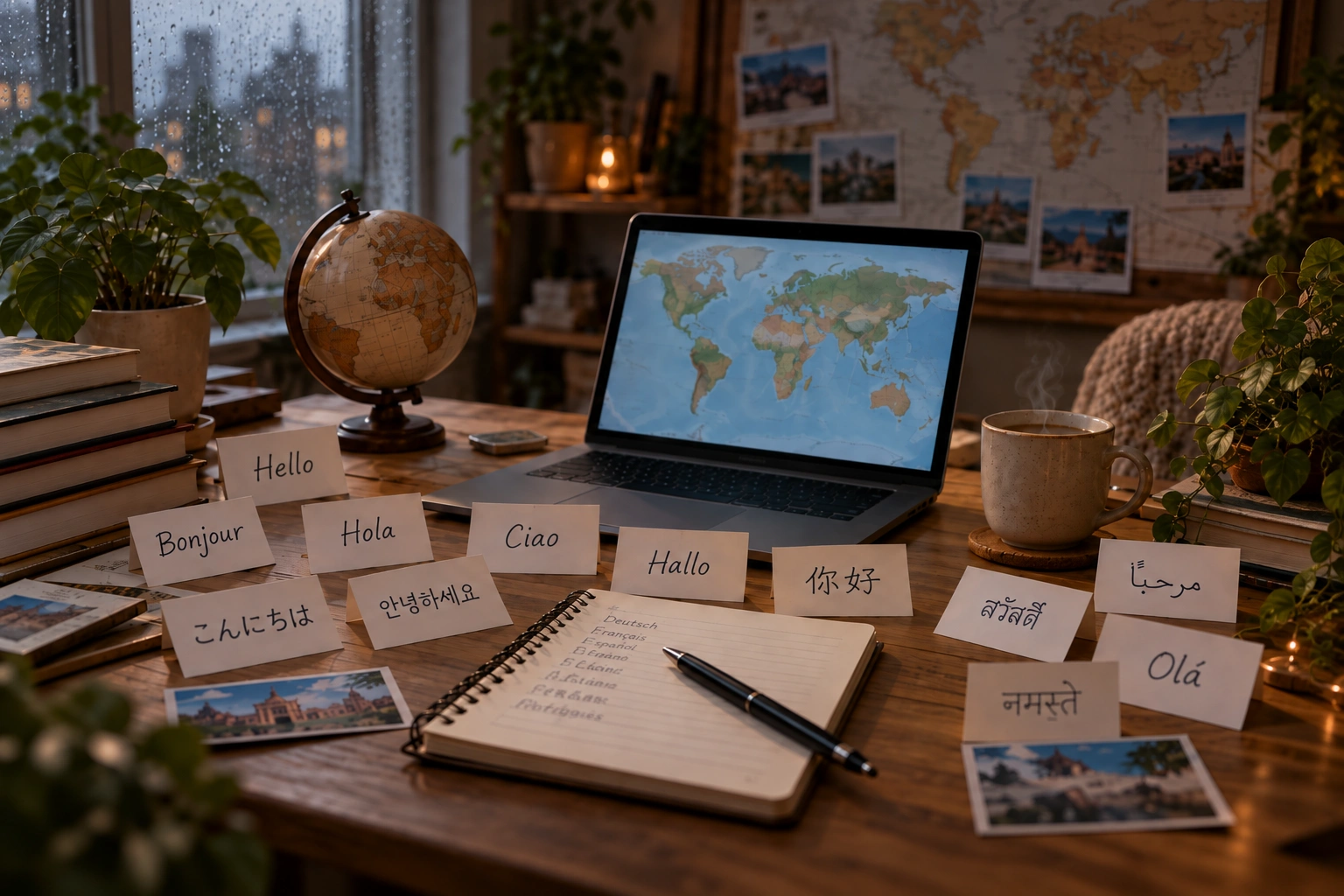
SEO looked much more complicated to me before I actually started watching my own website appear in Google. There are plugins, keywords, sitemaps, Search Console and hundreds of recommendations, but the basic process is much simpler: publish useful pages, make sure Google can find them and give the website time to build authority.
For me, the interesting part is watching that process happen gradually instead of treating SEO like some mysterious system.
An author website cannot receive much search traffic if there are only a few pages on it.
Every useful article creates another possible way for someone to discover the website. A post about author websites may attract one type of visitor, while publishing, advertising, books or worldbuilding can attract completely different searches.
That is one reason I prefer building a larger library instead of depending on only a homepage and book page.
Publishing an article does not mean Google immediately sends visitors to it.
I have watched pages appear slowly in Search Console, some getting indexed earlier than others and some beginning with only a few impressions. Over time, those numbers make the process easier to understand.
The useful thing is that everything becomes measurable. I can see what Google discovers, which pages receive impressions and eventually which searches actually bring people to the website.
I do not expect every article to become successful.
What matters is publishing enough useful content to discover which subjects actually attract attention. Once certain pages begin performing better, I can create more around those topics instead of guessing forever.
That is how I want to approach SEO: build the library, measure what happens and gradually put more effort into what proves itself.
October 25, 2026A reading night for two sounds like a good Halloween plan to me because it leaves room for both company and quiet.…
 October 25, 2026
An ordinary room can become surprisingly unfamiliar after dark. During the day, I can see its edges, its furniture, and whatever is…
 October 25, 2026
When I imagine a gothic reading corner, I think about somewhere I would genuinely want to spend an evening. A comfortable chair,…
 October 25, 2026
There is a version of Halloween I like that involves very little preparation. A comfortable room, something good to read, a warm…
 October 20, 2026
One of the first things new authors encounter when preparing a book for publication is the ISBN. It appears on printed books,…
 October 20, 2026
Choosing the right book title can be surprisingly difficult. A title needs to fit the story, appeal to potential readers and remain…
 October 20, 2026
Finishing a manuscript can take months or years, so receiving an offer from a publisher is understandably exciting. Somebody wants to publish…
 October 20, 2026
A book cover is one of the first things a potential reader notices. Before somebody reads the description or opens the first…
 October 20, 2026
There are plenty of reasons why an author might prefer publishing under a different name. Some want privacy, others want a name…
 October 9, 2026
One thing I have never liked about social media is that having followers does not necessarily mean being able to reach those…
October 25, 2026A reading night for two sounds like a good Halloween plan to me because it leaves room for both company and quiet.…
October 25, 2026An ordinary room can become surprisingly unfamiliar after dark. During the day, I can see its edges, its furniture, and whatever is…
October 25, 2026When I imagine a gothic reading corner, I think about somewhere I would genuinely want to spend an evening. A comfortable chair,…
October 25, 2026There is a version of Halloween I like that involves very little preparation. A comfortable room, something good to read, a warm…
October 20, 2026One of the first things new authors encounter when preparing a book for publication is the ISBN. It appears on printed books,…
October 20, 2026Choosing the right book title can be surprisingly difficult. A title needs to fit the story, appeal to potential readers and remain…
October 20, 2026Finishing a manuscript can take months or years, so receiving an offer from a publisher is understandably exciting. Somebody wants to publish…
October 20, 2026A book cover is one of the first things a potential reader notices. Before somebody reads the description or opens the first…
October 20, 2026There are plenty of reasons why an author might prefer publishing under a different name. Some want privacy, others want a name…
October 9, 2026One thing I have never liked about social media is that having followers does not necessarily mean being able to reach those…
October 25, 2026A reading night for two sounds like a good Halloween plan to me because it leaves room for both company and quiet.…
October 25, 2026An ordinary room can become surprisingly unfamiliar after dark. During the day, I can see its edges, its furniture, and whatever is…
October 25, 2026When I imagine a gothic reading corner, I think about somewhere I would genuinely want to spend an evening. A comfortable chair,…
October 25, 2026There is a version of Halloween I like that involves very little preparation. A comfortable room, something good to read, a warm…
October 20, 2026One of the first things new authors encounter when preparing a book for publication is the ISBN. It appears on printed books,…
October 20, 2026Choosing the right book title can be surprisingly difficult. A title needs to fit the story, appeal to potential readers and remain…
October 20, 2026Finishing a manuscript can take months or years, so receiving an offer from a publisher is understandably exciting. Somebody wants to publish…
October 20, 2026A book cover is one of the first things a potential reader notices. Before somebody reads the description or opens the first…
October 20, 2026There are plenty of reasons why an author might prefer publishing under a different name. Some want privacy, others want a name…
October 9, 2026One thing I have never liked about social media is that having followers does not necessarily mean being able to reach those…

Add the M.V. Mitic app to your device and start reading.