 October 25, 2026
A Halloween Reading Night for Two
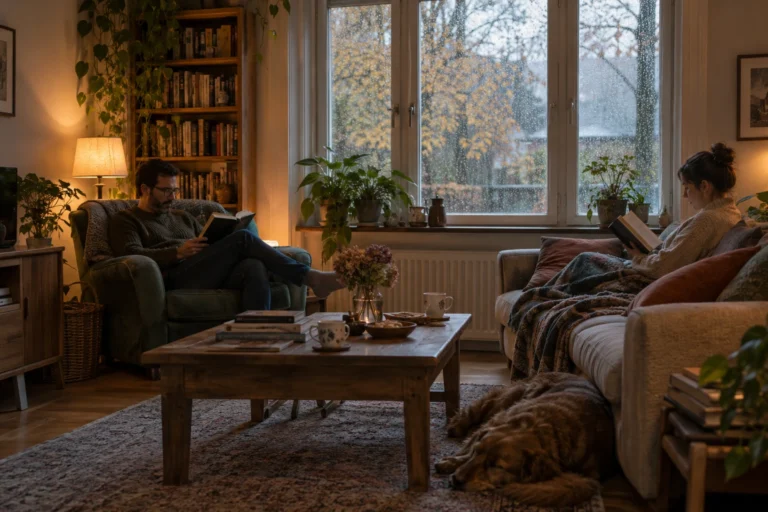
A reading night for two sounds like a good Halloween plan to me because it leaves room for both company and quiet.…
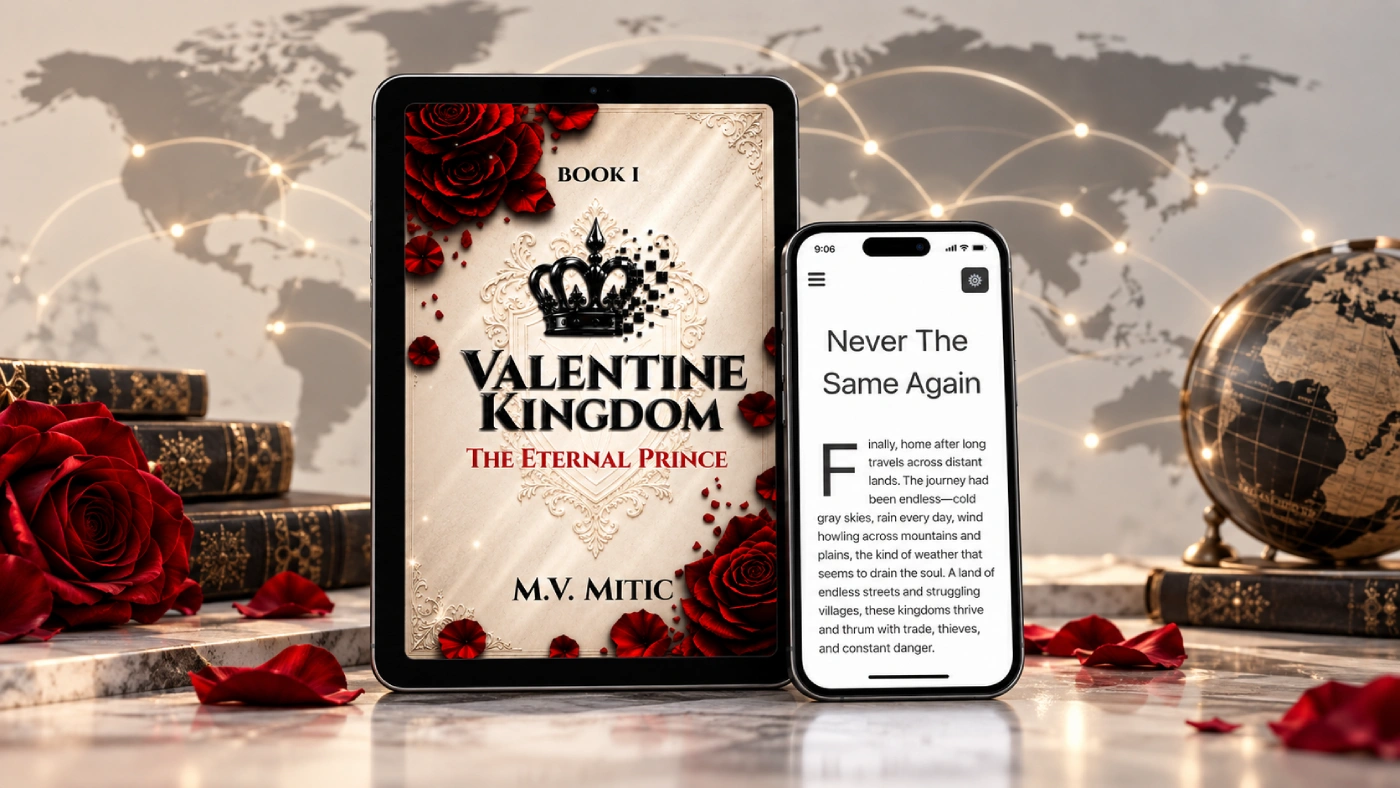
Valentine Kingdom was never meant to stay limited to one country or one language. One of the updates I wanted to finish early was making the story easier to access for readers from different parts of the world, and the reader now supports more than 20 languages. The structure stays exactly the same: the same chapters, the same story and the same reading system, but readers can switch to the language they are most comfortable using. It is a simple feature on the surface, but it makes a large difference when someone discovers the website from another country.
I wanted to avoid creating separate websites or separate versions of the reader for every language. Everything stays inside the same system, which keeps the experience much cleaner and makes future updates easier. When something changes in the reader, I can improve the same platform instead of maintaining completely different versions of it. Readers simply choose a language and continue from there.
The translations will continue to improve as the project grows. I would rather build the foundation now and refine it over time than wait until everything is absolutely perfect before making the story accessible internationally. The long-term goal is simple: wherever someone discovers Valentine Kingdom, language should not be the first thing stopping them from reading it.
The website, books and reader are all being built with the same idea in mind. I want Valentine Kingdom to work as an international project rather than something designed only for one market. Supporting more languages is one part of that, and there will be more improvements as the reader develops.
For now, readers can open the story, choose the language they want and continue reading without needing another app, another account or another version of the website. It is one of those updates that looks small when you see the button, but behind it is a much bigger idea: making the same world available to many more people.
October 25, 2026A reading night for two sounds like a good Halloween plan to me because it leaves room for both company and quiet.…
 October 25, 2026
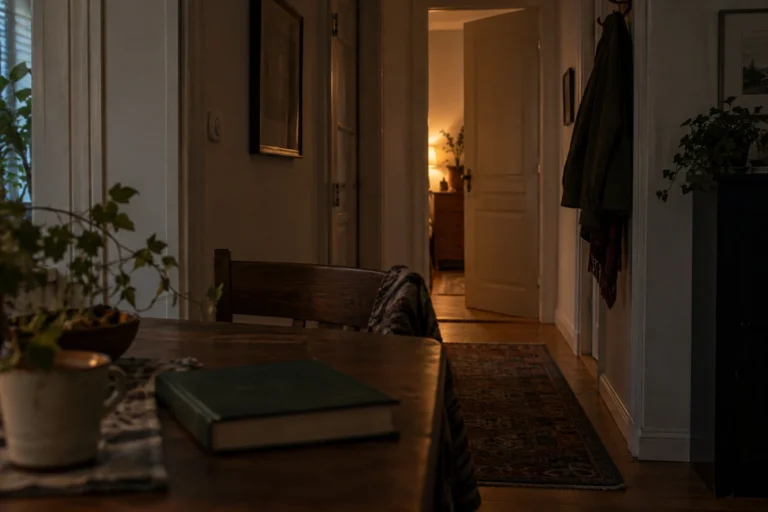
An ordinary room can become surprisingly unfamiliar after dark. During the day, I can see its edges, its furniture, and whatever is…
 October 25, 2026
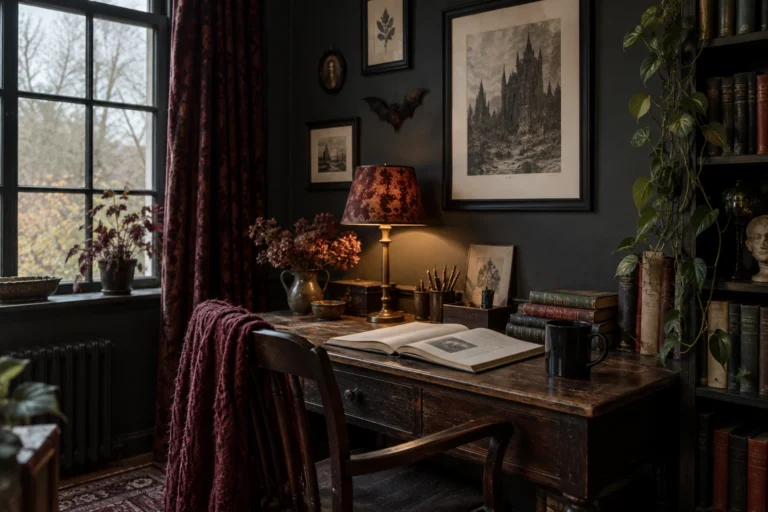
When I imagine a gothic reading corner, I think about somewhere I would genuinely want to spend an evening. A comfortable chair,…
 October 25, 2026
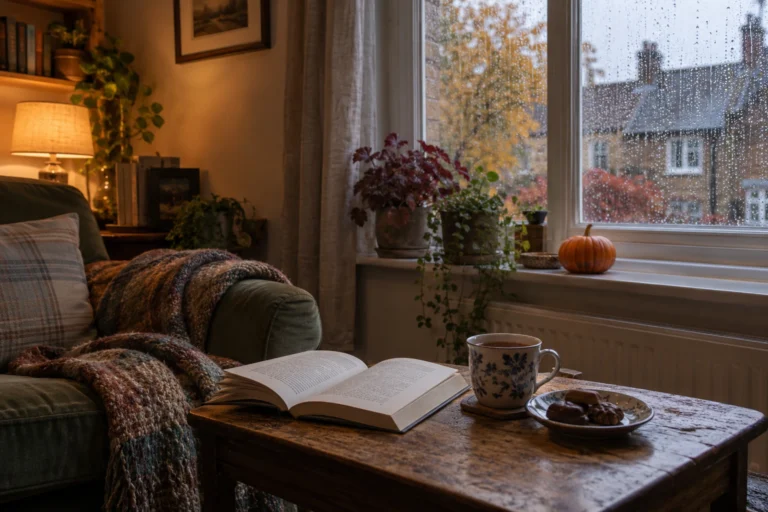
There is a version of Halloween I like that involves very little preparation. A comfortable room, something good to read, a warm…
 October 20, 2026
One of the first things new authors encounter when preparing a book for publication is the ISBN. It appears on printed books,…
 October 20, 2026
Choosing the right book title can be surprisingly difficult. A title needs to fit the story, appeal to potential readers and remain…
 October 20, 2026
Finishing a manuscript can take months or years, so receiving an offer from a publisher is understandably exciting. Somebody wants to publish…
 October 20, 2026
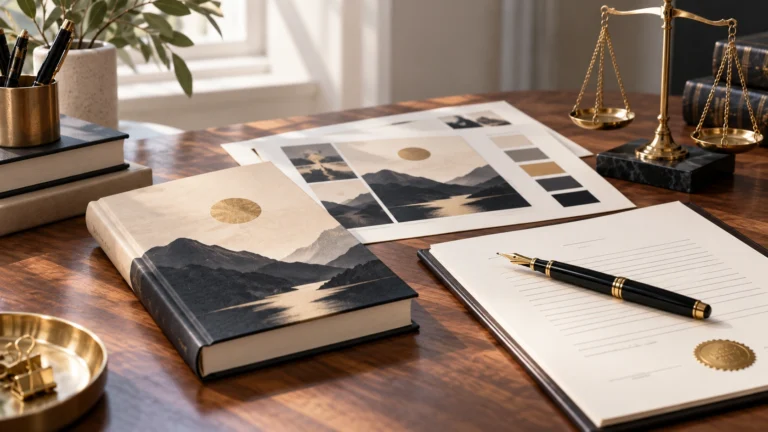
A book cover is one of the first things a potential reader notices. Before somebody reads the description or opens the first…
 October 20, 2026
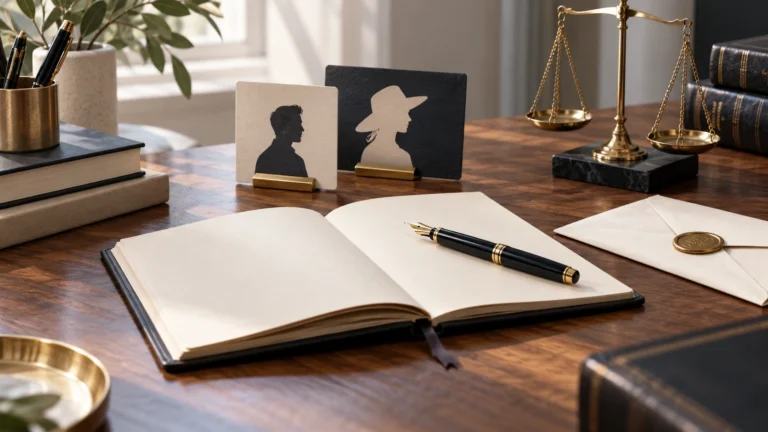
There are plenty of reasons why an author might prefer publishing under a different name. Some want privacy, others want a name…
 October 9, 2026
One thing I have never liked about social media is that having followers does not necessarily mean being able to reach those…
October 25, 2026A reading night for two sounds like a good Halloween plan to me because it leaves room for both company and quiet.…
October 25, 2026An ordinary room can become surprisingly unfamiliar after dark. During the day, I can see its edges, its furniture, and whatever is…
October 25, 2026When I imagine a gothic reading corner, I think about somewhere I would genuinely want to spend an evening. A comfortable chair,…
October 25, 2026There is a version of Halloween I like that involves very little preparation. A comfortable room, something good to read, a warm…
October 20, 2026One of the first things new authors encounter when preparing a book for publication is the ISBN. It appears on printed books,…
October 20, 2026Choosing the right book title can be surprisingly difficult. A title needs to fit the story, appeal to potential readers and remain…
October 20, 2026Finishing a manuscript can take months or years, so receiving an offer from a publisher is understandably exciting. Somebody wants to publish…
October 20, 2026A book cover is one of the first things a potential reader notices. Before somebody reads the description or opens the first…
October 20, 2026There are plenty of reasons why an author might prefer publishing under a different name. Some want privacy, others want a name…
October 9, 2026One thing I have never liked about social media is that having followers does not necessarily mean being able to reach those…
October 25, 2026A reading night for two sounds like a good Halloween plan to me because it leaves room for both company and quiet.…
October 25, 2026An ordinary room can become surprisingly unfamiliar after dark. During the day, I can see its edges, its furniture, and whatever is…
October 25, 2026When I imagine a gothic reading corner, I think about somewhere I would genuinely want to spend an evening. A comfortable chair,…
October 25, 2026There is a version of Halloween I like that involves very little preparation. A comfortable room, something good to read, a warm…
October 20, 2026One of the first things new authors encounter when preparing a book for publication is the ISBN. It appears on printed books,…
October 20, 2026Choosing the right book title can be surprisingly difficult. A title needs to fit the story, appeal to potential readers and remain…
October 20, 2026Finishing a manuscript can take months or years, so receiving an offer from a publisher is understandably exciting. Somebody wants to publish…
October 20, 2026A book cover is one of the first things a potential reader notices. Before somebody reads the description or opens the first…
October 20, 2026There are plenty of reasons why an author might prefer publishing under a different name. Some want privacy, others want a name…
October 9, 2026One thing I have never liked about social media is that having followers does not necessarily mean being able to reach those…

Add the M.V. Mitic app to your device and start reading.