 October 25, 2026
A Halloween Reading Night for Two
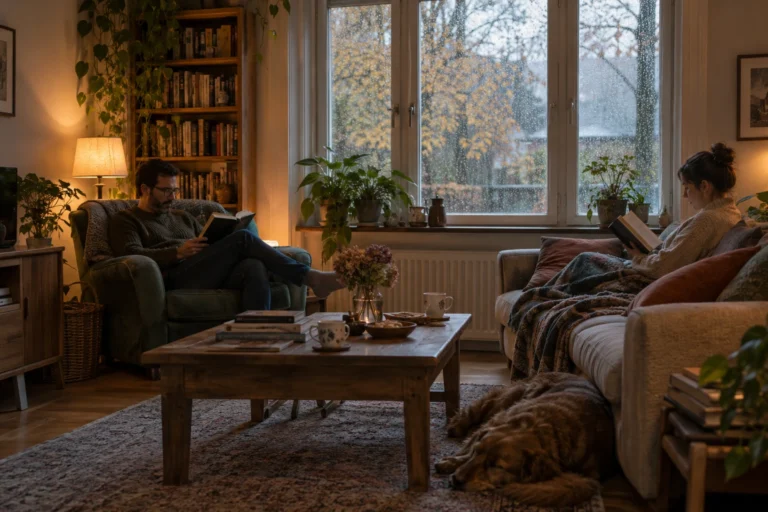
A reading night for two sounds like a good Halloween plan to me because it leaves room for both company and quiet.…
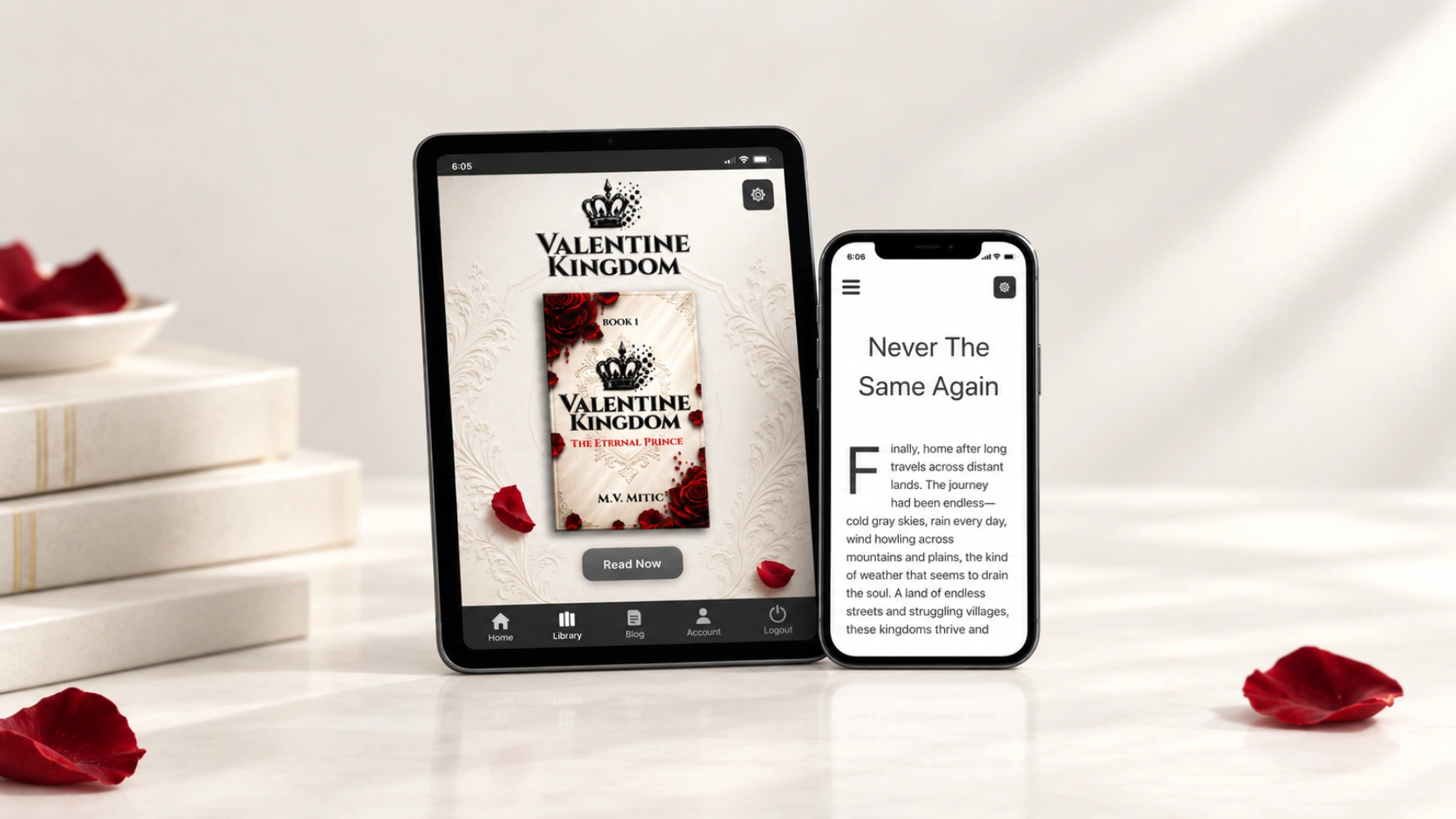
Valentine Kingdom was never meant to exist only as a book sitting on a shelf. As the world began to grow, I wanted readers to have one simple place where they could return to it, open their library, and start reading without having to think about where everything was stored.
That became the idea behind the Valentine Kingdom app and reading experience.
The goal was never to build something filled with features simply because they could be added. I wanted the technology to stay in the background and leave the book where it belongs — at the center.
After signing in, readers can enter their personal library and access the books available to them.
The library itself is intentionally simple. There are no huge menus to work through and no need to jump between several different services just to find a book again.
Right now, that library may be small. Valentine Kingdom is only at the beginning. But it was designed with the future in mind, so new books and other reading experiences can eventually join the same space.
I like the idea that someone can discover the first story today and come back years later to a library that has grown alongside the Kingdom.
Most people carry their phone everywhere, so the reading experience was designed with that in mind.
Opening a chapter should feel comfortable whether you have a few quiet minutes or want to keep reading much longer. Instead of turning the book into one enormous webpage, chapters are separated so the reader can move through the story naturally.
The interface is deliberately restrained. Text has room to breathe, navigation stays out of the way, and there is very little competing with the page itself.
It does not need to behave like a complicated ebook application. It only needs to make the story pleasant to read.
The same experience can also be installed directly from the Valentine Kingdom website.
Once installed, it can sit alongside the other apps on a phone while continuing to use the same account and library. There is no completely separate version of Valentine Kingdom hidden somewhere else.
That was important to me because I wanted the website and the reading app to feel like parts of the same place rather than two different products.
A reader can enter through a browser one day and through the installed app the next. Either way, the destination is the same library.
While building the reading experience, I kept returning to the same question: does this actually make reading better?
If something makes the interface heavier without helping the reader, there is little reason for it to be there.
That does not mean the app will remain exactly as it is today. It will continue to change as the books and the world around them expand. Some additions may be small improvements, while others may eventually create entirely new ways of experiencing Valentine Kingdom.
But I would rather add those things gradually than turn the library into something crowded before they are needed.
The account and library also give Valentine Kingdom something that an individual book cannot: continuity.
Each release does not have to begin from zero. Readers can return to the same place, find what has been added, and continue exploring the world from there.
That is ultimately what I want the app to become — not another piece of software that demands attention, but a familiar doorway back into Valentine Kingdom.
The app, library, website and everything built around them exist for one reason: the stories.
As Valentine Kingdom grows, the technology around it can grow too. But it should never become more important than opening a chapter and becoming absorbed in what happens next.
For now, the foundation is simple: create an account, enter the library, choose a book and begin reading.
There will be much more to come.
October 25, 2026A reading night for two sounds like a good Halloween plan to me because it leaves room for both company and quiet.…
 October 25, 2026
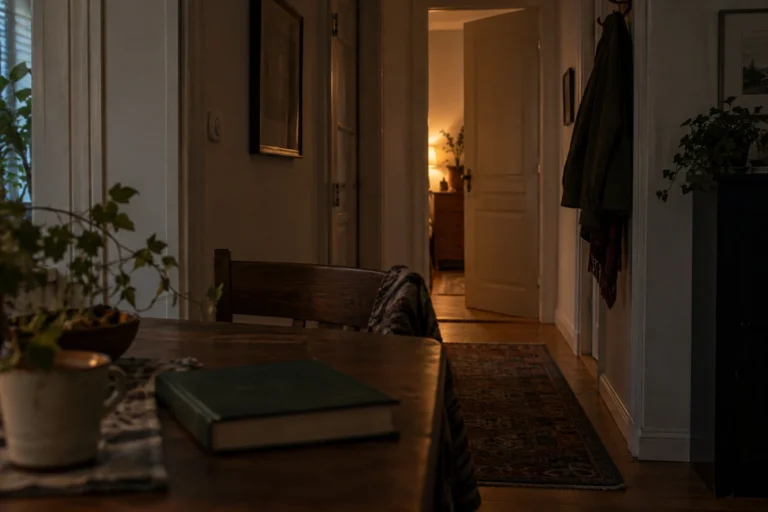
An ordinary room can become surprisingly unfamiliar after dark. During the day, I can see its edges, its furniture, and whatever is…
 October 25, 2026
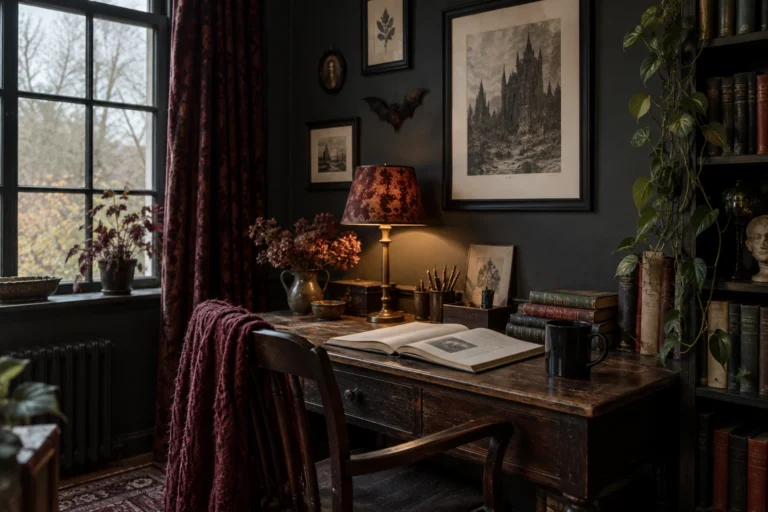
When I imagine a gothic reading corner, I think about somewhere I would genuinely want to spend an evening. A comfortable chair,…
 October 25, 2026
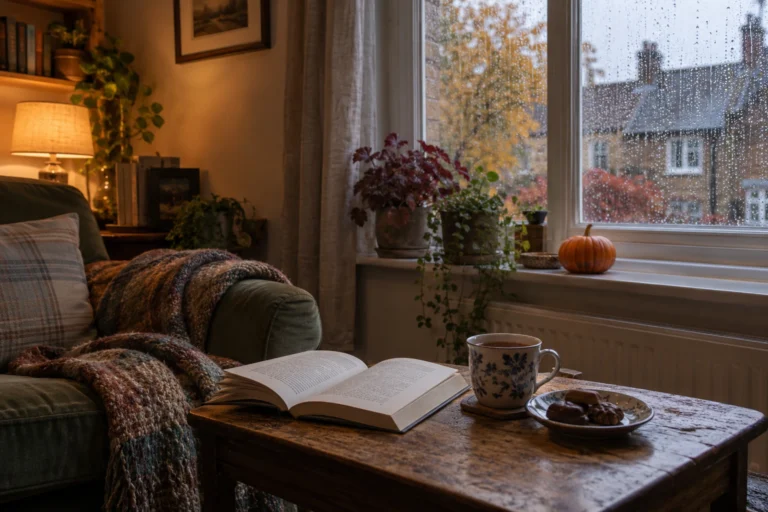
There is a version of Halloween I like that involves very little preparation. A comfortable room, something good to read, a warm…
 October 20, 2026
One of the first things new authors encounter when preparing a book for publication is the ISBN. It appears on printed books,…
 October 20, 2026
Choosing the right book title can be surprisingly difficult. A title needs to fit the story, appeal to potential readers and remain…
 October 20, 2026
Finishing a manuscript can take months or years, so receiving an offer from a publisher is understandably exciting. Somebody wants to publish…
 October 20, 2026
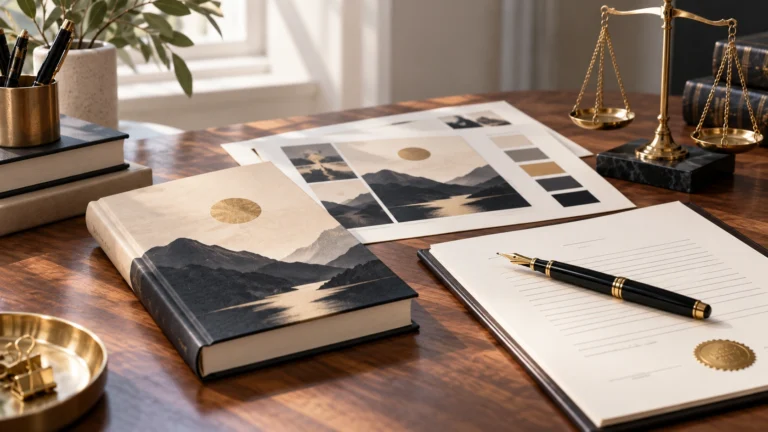
A book cover is one of the first things a potential reader notices. Before somebody reads the description or opens the first…
 October 20, 2026
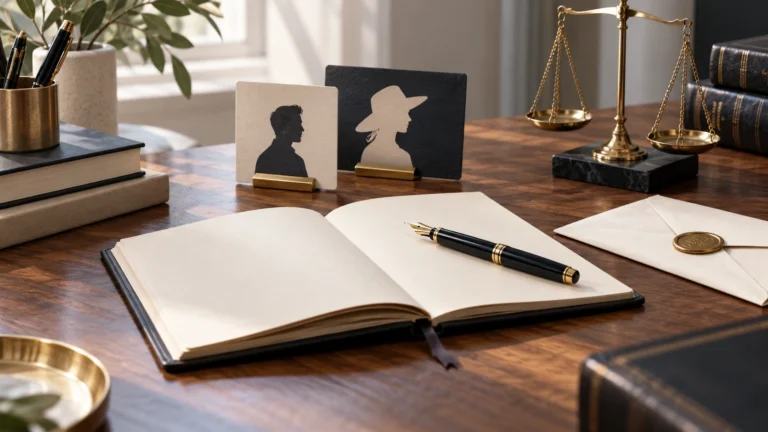
There are plenty of reasons why an author might prefer publishing under a different name. Some want privacy, others want a name…
 October 9, 2026
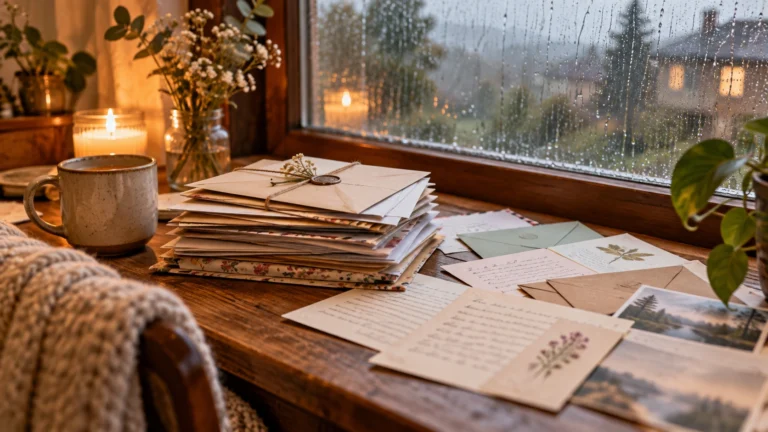
One thing I have never liked about social media is that having followers does not necessarily mean being able to reach those…
October 25, 2026A reading night for two sounds like a good Halloween plan to me because it leaves room for both company and quiet.…
October 25, 2026An ordinary room can become surprisingly unfamiliar after dark. During the day, I can see its edges, its furniture, and whatever is…
October 25, 2026When I imagine a gothic reading corner, I think about somewhere I would genuinely want to spend an evening. A comfortable chair,…
October 25, 2026There is a version of Halloween I like that involves very little preparation. A comfortable room, something good to read, a warm…
October 20, 2026One of the first things new authors encounter when preparing a book for publication is the ISBN. It appears on printed books,…
October 20, 2026Choosing the right book title can be surprisingly difficult. A title needs to fit the story, appeal to potential readers and remain…
October 20, 2026Finishing a manuscript can take months or years, so receiving an offer from a publisher is understandably exciting. Somebody wants to publish…
October 20, 2026A book cover is one of the first things a potential reader notices. Before somebody reads the description or opens the first…
October 20, 2026There are plenty of reasons why an author might prefer publishing under a different name. Some want privacy, others want a name…
October 9, 2026One thing I have never liked about social media is that having followers does not necessarily mean being able to reach those…
October 25, 2026A reading night for two sounds like a good Halloween plan to me because it leaves room for both company and quiet.…
October 25, 2026An ordinary room can become surprisingly unfamiliar after dark. During the day, I can see its edges, its furniture, and whatever is…
October 25, 2026When I imagine a gothic reading corner, I think about somewhere I would genuinely want to spend an evening. A comfortable chair,…
October 25, 2026There is a version of Halloween I like that involves very little preparation. A comfortable room, something good to read, a warm…
October 20, 2026One of the first things new authors encounter when preparing a book for publication is the ISBN. It appears on printed books,…
October 20, 2026Choosing the right book title can be surprisingly difficult. A title needs to fit the story, appeal to potential readers and remain…
October 20, 2026Finishing a manuscript can take months or years, so receiving an offer from a publisher is understandably exciting. Somebody wants to publish…
October 20, 2026A book cover is one of the first things a potential reader notices. Before somebody reads the description or opens the first…
October 20, 2026There are plenty of reasons why an author might prefer publishing under a different name. Some want privacy, others want a name…
October 9, 2026One thing I have never liked about social media is that having followers does not necessarily mean being able to reach those…
Add the M.V. Mitic app to your device and start reading.